

Secure, Scalable Network Solutions for K-12 Education

Bringing Connectivity to the Classroom
K-12 schools are navigating the evolving landscape of learning, where the demand for high-quality education and technological advancements is reshaping traditional models. Students, with diverse learning styles, often utilize multiple devices simultaneously and expect a seamless, engaging experience with reliable school Wi-Fi.In this dynamic educational environment, secure and reliable internet access is essential. Yet, a Connected Nation report reveals that only 74% of U.S. school districts meet the FCC's minimum internet connectivity standard, leaving over 27.1 million students without sufficient connectivity for effective learning.
Nomadix is committed to providing cutting-edge digital connectivity and engagement technology in schools. Our goal is to prepare K-12 students for success in an educational landscape where digital interconnectivity is crucial, ensuring they are well-prepared for the evolving challenges and opportunities of tomorrow.
Nomadix Networks aligns to government standards and compliance and is available through government funding programs, such as American Rescue Plan and E-Rate. Nomadix is a member of NASTD.
SOLUTIONS & PRODUCTS
User Authentication and Onboarding
In K-12 schools, secure authentication and onboarding are indispensable components of a robust digital infrastructure. These measures are crucial for safeguarding sensitive student and staff data, ensuring compliance with privacy regulations and preventing unauthorized access. With the increasing reliance on digital tools and platforms for education, secure onboarding processes become pivotal in facilitating seamless connectivity for students, teachers and administrators.
By prioritizing secure authentication, K-12 schools not only protect against potential cyber threats and data breaches but also create a safe and conducive environment for learning. Additionally, user-friendly onboarding processes contribute to a positive educational experience, fostering a smooth and secure transition into the digital realm for both students and educators. Nomadix offers a range of user-friendly onboarding solutions adapted to different needs or user profiles. This contributes to a positive educational experience, fostering a smooth and secure transition into the digital realm for both students and educators.
INTERNET GATEWAYS
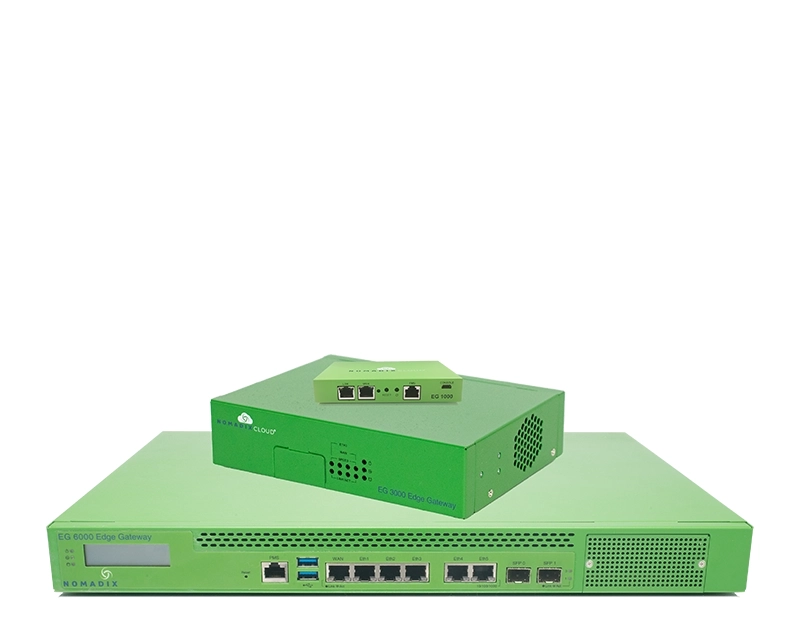
- Dynamic bandwidth management
- High availability and load balancing
- Native firewall and multi-services
- Personalized user experiences
CAPTIVE PORTAL
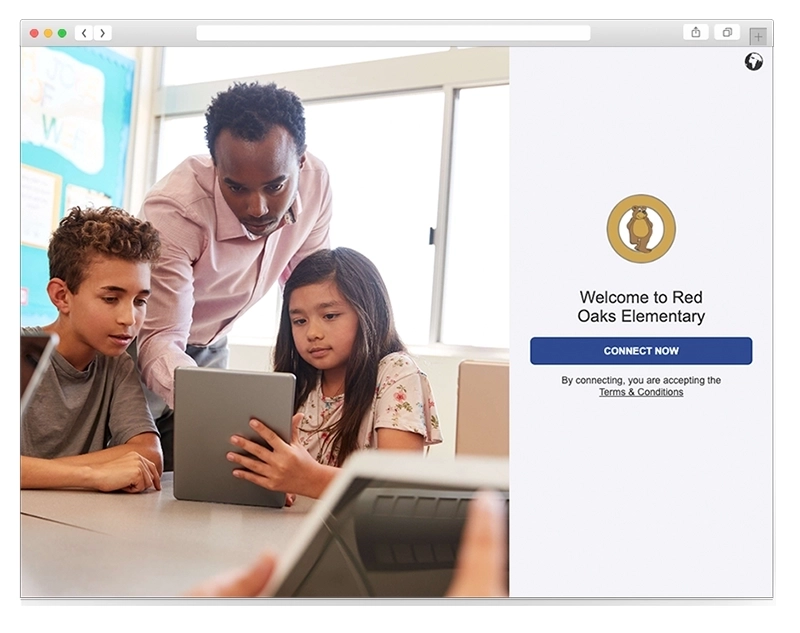
- Universal captive portal
- Fast and easy to manage
- Secure, private and brandable
- Nomadix or any WLAN hardware
PASSPOINT
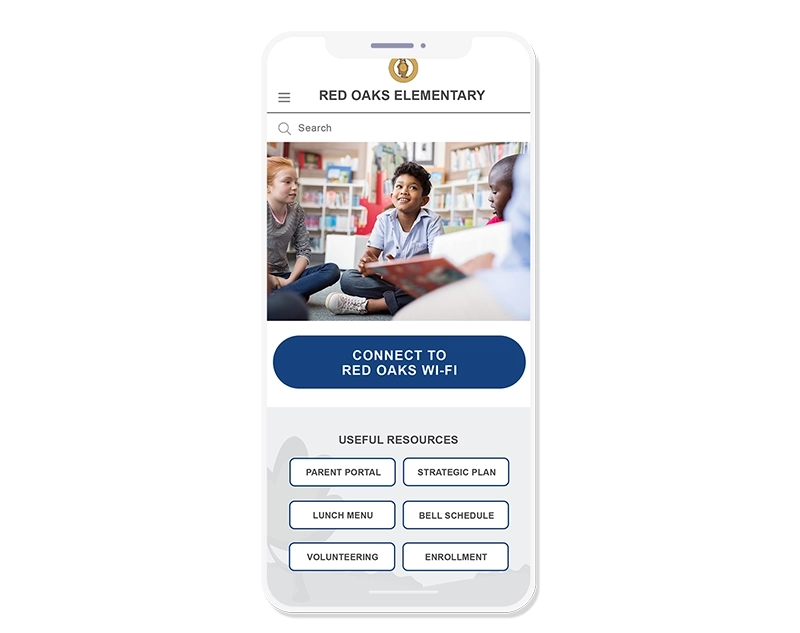
- Hotspot 2.0
- Next generation onboarding
- Frictionless and roaming
- Upmost security and privacy
Networking, Communication and Safety Solutions
A constant challenge educational institutions face is to modernize their IT infrastructure to meet the evolving demands of their users, while being constrained by limited budgets. Nomadix offers robust – yet affordable – networks infrastructure and cloud telephony solutions to help organizations through their digital transformations.
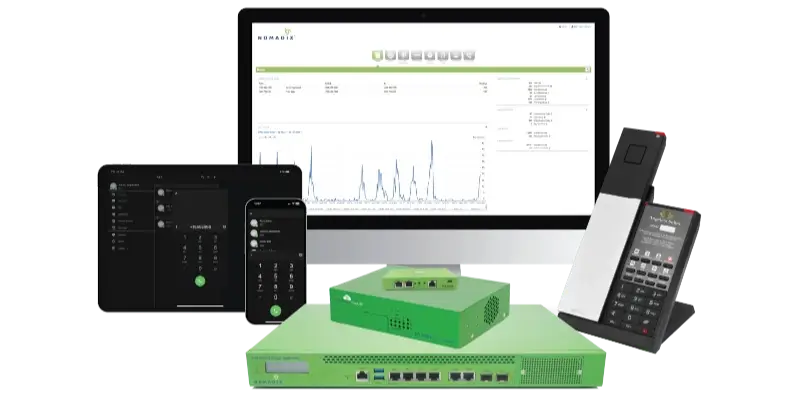
Nomadix Networks empowers K-12 educational institutions to strategically implement Wi-Fi technology, ensuring a high return-on-investment by combining cost-effectiveness with top-notch quality. Similarly, our Cloud Telephony platform provides schools with an easy-to-use and manage communication solution supporting a wide selection of fixed and mobile clients, enabling institutions to establish seamless communication channels between students, faculty and administrators, fostering a more connected learning environment.
Additionally, Nomadix Alerts enables K-12 staff to request instant assistance with the press of a button in case of threatening situations. The badge also automatically detects falls, and can in parallel monitor Wi-Fi quality on the campus, proactively identifying and flagging potential issues before they impact service quality.
NETWORKS
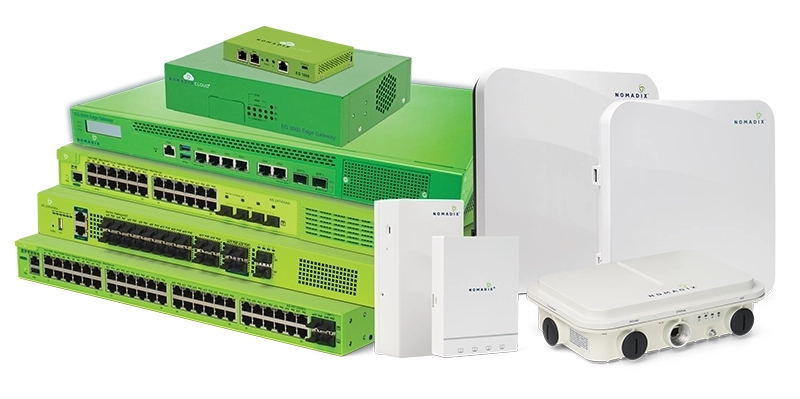
- Secure for education
- Power over Ethernet
- Cloud management
- Wireless switches, access points and controllers
CLOUD TELEPHONY
- Disruptive model
- Hybrid solution
- Optimized service
- Modern and budget friendly